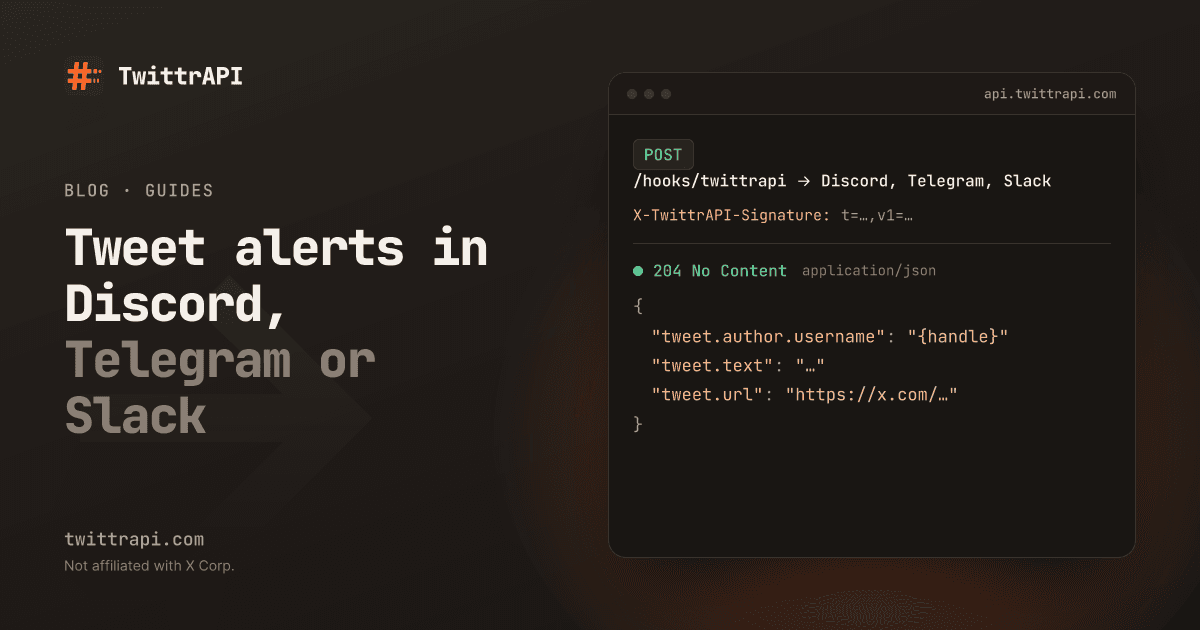
You want a message in a Discord channel, a Telegram chat or Slack whenever certain X accounts post. This guide builds that with account monitoring and a relay of about 60 lines of Python. The relay receives each new tweet as a webhook, checks that it came from us and posts it to your chat.
Monitoring checks each account at least every 60 s, 5 s or 1 s, depending on the plan, so the alert arrives seconds after the tweet. The smallest plan watches 10 accounts for $5 a month.
Step 1: Create the chat endpoint
Pick one, or set up all three:
- Discord: channel settings → Integrations → Webhooks → New Webhook → Copy Webhook URL.
- Telegram: create a bot with @BotFather and copy its token. Add the bot to your group or channel and get the chat ID, for example by sending a message and opening
https://api.telegram.org/bot<token>/getUpdates. - Slack: create an app with an incoming webhook for the channel and copy the webhook URL.
Put the values in environment variables on the server that will run the relay:
export TWITTRAPI_WEBHOOK_SECRET="whsec_..."   # from step 3
export DISCORD_WEBHOOK_URL="https://discord.com/api/webhooks/..."
export TELEGRAM_BOT_TOKEN="123456:ABC..."
export TELEGRAM_CHAT_ID="-1001234567890"
export SLACK_WEBHOOK_URL="https://hooks.slack.com/services/..."Leave out the ones you do not use.
Step 2: Run the relay
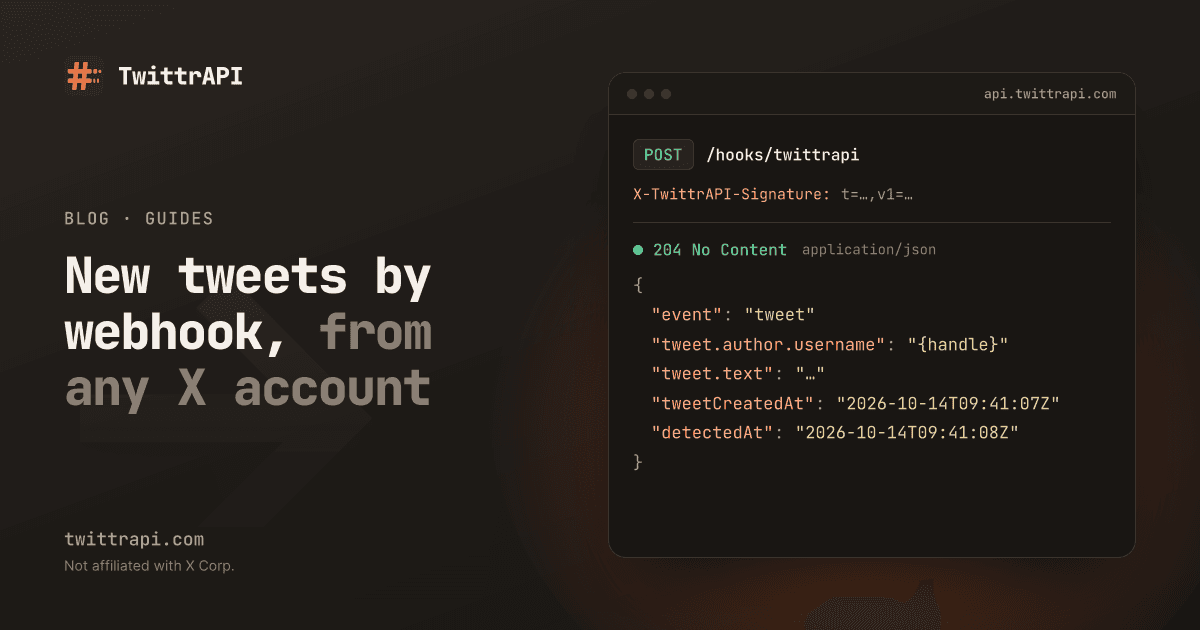
The relay verifies the signature on the raw body, answers right away and forwards the tweet in a background thread, so a slow chat API never makes the webhook time out. Save it as relay.py:
import hashlib
import hmac
import os
import threading
import time

import requests
from flask import Flask, abort, request

SECRET = os.environ["TWITTRAPI_WEBHOOK_SECRET"].encode()
app = Flask(__name__)


def verify(header: str, raw_body: bytes, tolerance: int = 300) -> bool:
    parts = dict(p.strip().split("=", 1) for p in header.split(",") if "=" in p)
    t, sig = parts.get("t", ""), parts.get("v1", "")
    if not t.isdigit() or not sig or abs(time.time() - int(t)) > tolerance:
        return False
    expected = hmac.new(SECRET, t.encode() + b"." + raw_body, hashlib.sha256).hexdigest()
    return hmac.compare_digest(expected, sig)


def forward(tweet: dict) -> None:
    text = f"@{tweet['author']['username']}: {tweet['text']}\n{tweet['url']}"
    if url := os.environ.get("DISCORD_WEBHOOK_URL"):
        requests.post(url, json={"content": text[:2000]}, timeout=10)
    if token := os.environ.get("TELEGRAM_BOT_TOKEN"):
        requests.post(
            f"https://api.telegram.org/bot{token}/sendMessage",
            json={"chat_id": os.environ["TELEGRAM_CHAT_ID"], "text": text[:4096]},
            timeout=10,
        )
    if url := os.environ.get("SLACK_WEBHOOK_URL"):
        requests.post(url, json={"text": text}, timeout=10)


@app.post("/hooks/twittrapi")
def hook():
    if not verify(request.headers.get("X-TwittrAPI-Signature", ""), request.get_data()):
        abort(401)
    event = request.get_json()
    if event["event"] == "tweet":
        threading.Thread(target=forward, args=(event["tweet"],), daemon=True).start()
return "", 204pip install flask requests
flask --app relay run --host 0.0.0.0 --port 8000The relay must be reachable over https on a public address. Put it behind your existing web server, deploy it to any small host, or use a tunnel such as ngrok or Cloudflare Tunnel while you test.
Discord limits a message to 2,000 characters and Telegram to 4,096, which is why the text is cut. A tweet is shorter, but long posts on X can exceed both.
Step 3: Point the webhook at the relay
Book a plan under Monitors in the dashboard, then add the accounts and set the webhook with your API key:
import os
import requests

API = "https://api.twittrapi.com"
HEADERS = {"X-API-KEY": os.environ["TWITTRAPI_API_KEY"]}

requests.post(f"{API}/monitors/accounts", headers=HEADERS, json={"usernames": ["NASA", "SpaceX"]}, timeout=30)
r = requests.put(f"{API}/monitors/webhook", headers=HEADERS, json={"url": "https://relay.example.com/hooks/twittrapi"}, timeout=30)
print(r.json()["webhook"]["secret"])
Copy the printed whsec_ secret into TWITTRAPI_WEBHOOK_SECRET on the relay and restart it.
Step 4: Send a test event
print(requests.post(f"{API}/monitors/webhook/test", headers=HEADERS, timeout=30).json())The answer shows whether your relay accepted the event and how long it took. The test event has "event": "test", so the relay above accepts it without posting to your chat. To see a real alert, wait for one of the accounts to post.
Only the alerts you want
Every tweet of a watched account is sent, including replies and reposts. Filter in forward before sending:
def wanted(tweet: dict) -> bool:
    if tweet.get("replyTo") or tweet.get("retweetOf"):
        return False  # original posts only
return "launch" in tweet["text"].lower()Call if not wanted(tweet): return at the top of forward. You can also route accounts to different channels by checking tweet["author"]["username"].
No server? Use n8n
With n8n you can skip the Python. Create a workflow with a Webhook node as the trigger, use its production URL as your monitoring webhook, and connect a Discord, Telegram or Slack node that sends {{ $json.body.tweet.url }}. The Webhook node does not check our signature, so keep its URL secret.
Frequently asked questions
How fast do the alerts arrive?
Each account is checked at least every 60 s, 5 s or 1 s, depending on your plan. X's own delay before a tweet appears comes on top, plus a moment for the chat API. Each event carries tweetCreatedAt and detectedAt, so you can measure it.
Can I get alerts for keywords instead of accounts?
Account monitoring follows accounts. For keywords, poll search with since_id on a schedule and send the results the same way.
What happens when my relay is down?
Deliveries are retried for up to 24 hours, and events stay readable for 7 days through the pull API, as shown in the webhook guide.
Does this work for small accounts?
Yes. There is no follower minimum. An account with 50 followers is checked as often as one with 5 million.
Sources
- Account monitoring docs (webhook, signature, retries, pull API)
- Discord webhooks, Telegram Bot API sendMessage, Slack incoming webhooks
TwittrAPI is not affiliated with X Corp. It reads only public data.