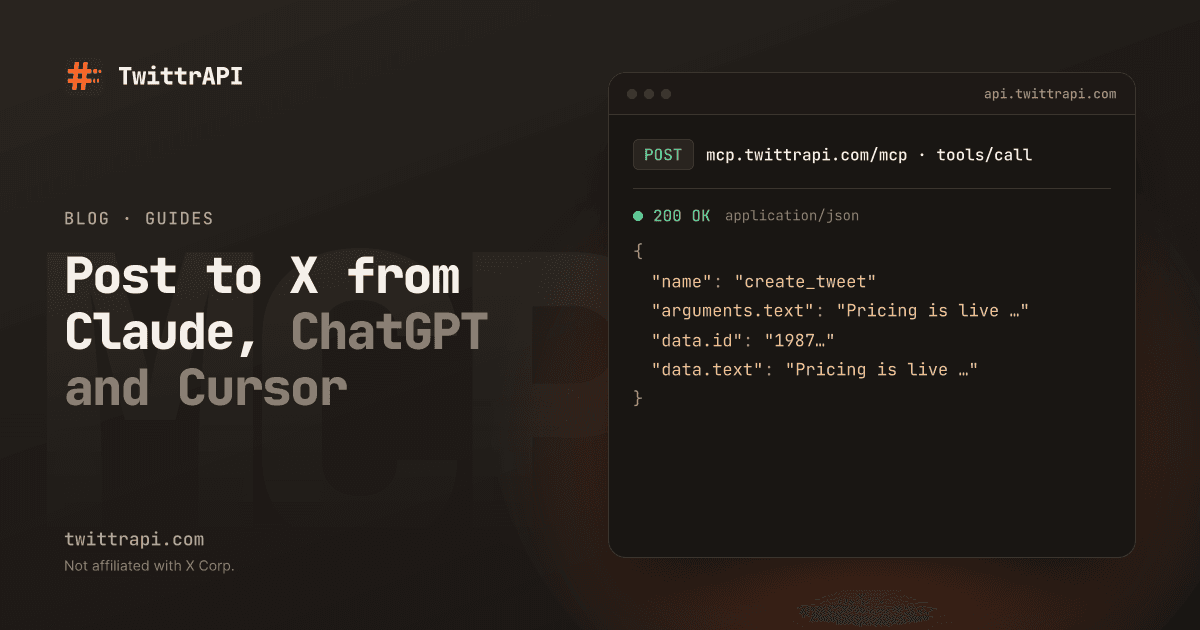
Claude and ChatGPT can write a good tweet, but they cannot post it. You copy the text, open X, paste it and post it yourself. With an MCP server that has account tools, the assistant posts it for you, after you approve it in the chat.
This guide sets that up with the hosted Twitter MCP server of TwittrAPI, which we run. No X developer account and nothing to install. If you only want the assistant to read X, the read guide is enough.
What the assistant can do
| Area | Tools |
|---|---|
| Post | create_tweet, reply_to_tweet, delete_tweet, create_draft, list_drafts |
| Engage | like_tweet, retweet, bookmark_tweet, follow_user and their undo tools |
| Direct messages | list_dm_conversations, send_dm, list_dm_requests, accept_dm_request, decline_dm_request |
| Lists and bookmarks | create_list, add_list_member, remove_list_member, bookmark folders and bookmark search |
| Articles | Write, update and publish X Articles |
It still has all the read tools: profiles, tweets, replies, search, followers, lists, communities and trends.
What you need
- A TwittrAPI account with balance. Create one on /start. The account tools work after your first top-up; free trial credit only covers reads.
- Your X session. The cookie of a browser that is logged in to x.com, with
auth_tokenandct0in it. How to copy it in Chrome, Edge, Firefox or Safari. - A proxy in the form
http://user:pass@host:port. Requests to X go out through it. Use one in the region the account usually logs in from. More on the proxy.
Use a dedicated account rather than your main one. X can limit accounts that post, follow or like automatically.
Claude.ai and ChatGPT: save the session in the dashboard
Claude.ai, Claude Desktop and ChatGPT cannot send custom headers, so you save the session once in your TwittrAPI dashboard.
- Open Connected apps in the dashboard. Under Act on your X account, paste the cookie, enter the proxy and, if the assistant should send DMs, your X Chat passcode. Click Save X session.
- Add the connector with the URL
https://mcp.twittrapi.com/mcp:- Claude.ai and Claude Desktop: Settings > Connectors > Add custom connector.
- ChatGPT: turn on Developer mode under Settings > Apps & Connectors > Advanced settings, then Create with authentication OAuth.
- Log in to TwittrAPI. On the consent page, tick Also act on my X account and click Allow access.
Already connected before? That connection can only read. Remove the connector and add it again, this time with the box ticked. Connected apps shows which apps may act on your account.
Claude Code and Cursor: send the session in headers
These apps let you set headers, so the session never has to be saved anywhere but your own machine. Put the values in environment variables first:
export TWITTRAPI_API_KEY="your-key"
export TWITTRAPI_X_COOKIE="auth_token=...; ct0=...; twid=u%3D..."
export TWITTRAPI_X_PROXY="http://user:pass@host:port"Claude Code:
claude mcp add --transport http twittrapi https://mcp.twittrapi.com/mcp \
  --header "Authorization: Bearer $TWITTRAPI_API_KEY" \
  --header "X-Twitter-Cookie: $TWITTRAPI_X_COOKIE" \
--header "X-Twitter-Proxy: $TWITTRAPI_X_PROXY"Cursor (~/.cursor/mcp.json):
{
  "mcpServers": {
    "twittrapi": {
      "url": "https://mcp.twittrapi.com/mcp",
      "headers": {
        "X-API-KEY": "${env:TWITTRAPI_API_KEY}",
        "X-Twitter-Cookie": "${env:TWITTRAPI_X_COOKIE}",
        "X-Twitter-Proxy": "${env:TWITTRAPI_X_PROXY}"
      }
    }
  }
}For DMs, add X-Twitter-Chat-Passcode with your X Chat passcode. VS Code works the same way; the setup docs have a config that asks for the values instead of storing them.
Try it
Ask in plain words. The assistant picks the tools:
- "Write a short post announcing our new pricing page and show it to me before you post it."
- "Read the replies under my last tweet and draft an answer to each question. Post the ones I approve."
- "Like the five newest posts from @XDevelopers."
- "Show my unanswered DM requests and accept the ones from people I follow."
- "Save this thread as a draft; I will post it tomorrow."
Before a tool changes anything, Claude, ChatGPT and Cursor show you the call and its text and wait for your approval. Keep those prompts on and read the text before you allow it.
What it costs
Every tool call is one API call, the same price for a post as for a read: $0.10 per 1,000 calls on Standard and less at volume. A post with a link costs the same as one without. There is no monthly fee for the server.
Safety
- Anyone with the cookie can use your X account. Only put it into apps and config files you control, and never commit it.
- The assistant never sees the cookie or the proxy. They travel in the connection settings, not in the chat.
- Delete under Connected apps removes the saved session at once; every app is back to reading. Disconnect removes one app.
- If the assistant says the session may be logged out, log in to x.com again and save the new cookie.
FAQ
Do I need an X developer account?
No. The server acts with your X session, not with an X developer app.
Can I use a different X account per app?
With headers, yes: each app sends its own session. The dashboard stores one session per TwittrAPI account, used by every app you allowed to act.
Why does the assistant say it cannot post?
The app was connected without Also act on my X account, or no session is saved. Save it under Connected apps, then remove the connector and add it again with the box ticked. With headers, send both X-Twitter-Cookie and X-Twitter-Proxy.
Can it post images or polls?
Polls and quote tweets, yes. For images, videos and scheduled posts use the account actions of the API directly.