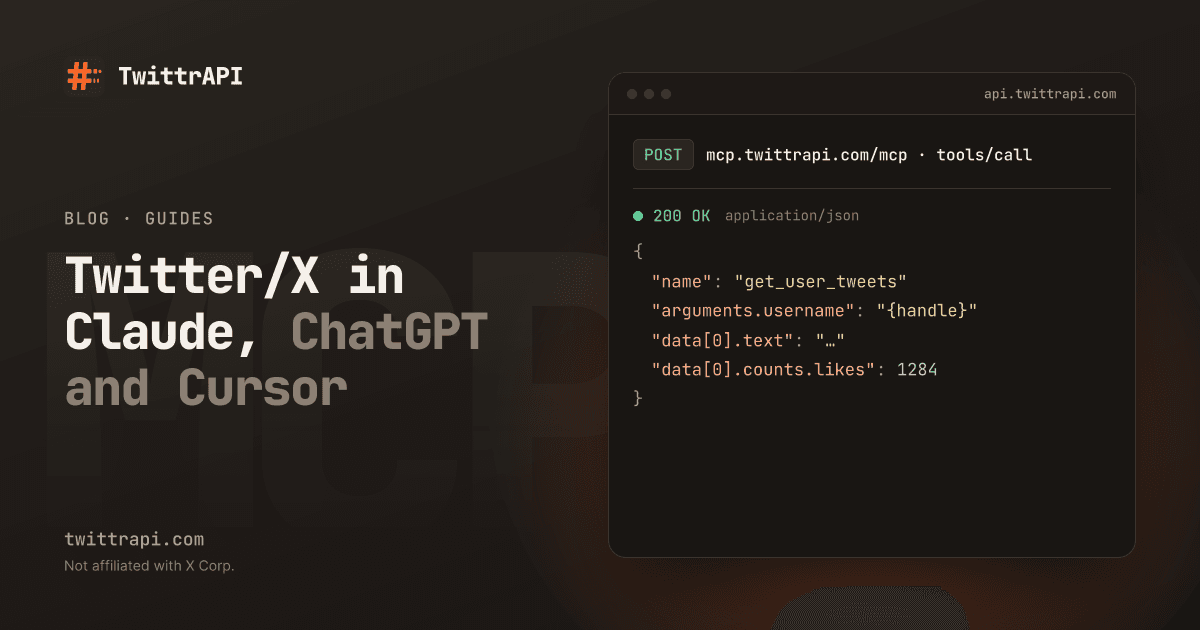
An AI assistant cannot look at X on its own. Ask Claude or ChatGPT what an account posted this morning and it either guesses or says it has no access. An MCP server fixes that: it gives the assistant a set of tools such as "get a user's tweets" or "search tweets", and the assistant calls them when your question needs live data.
This guide connects an assistant to public X data through the hosted MCP server of TwittrAPI, which we run. It needs no install and no X developer account. The steps are the same idea for any MCP client; only the place where you paste the URL changes.
What you get
The server gives read-only tools for public data. You cannot post or like with it. The tools cover:
| Area | Tools |
|---|---|
| Profiles | get_user_by_username, get_user_by_id, users_by_ids, username_to_id |
| Tweets | get_tweet, get_user_tweets, get_user_tweets_and_replies, get_user_media, search_tweets |
| Reactions | get_tweet_quotes, get_tweet_retweets, get_tweet_favorites |
| Graph | get_followers, get_following, get_verified_followers |
| Lists and communities | get_list_details, get_list_members, get_list_tweets, get_community, get_community_tweets, search_communities |
| Trends | get_trends, get_trend_locations |
Results come back in the compact simple format by default, which keeps the text short so it fits in the assistant's context.
Step 1: Get an API key or an account
Create an account on /start. New accounts get $0.50 of test credit for 7 days. Most apps sign you in with OAuth and never see your key. For Cursor and scripts you send the key in a header, so keep it in an environment variable:
export TWITTRAPI_API_KEY="your-key"Step 2: Add the server to your app
The address is always the same, and it must end in /mcp:
https://mcp.twittrapi.com/mcpClaude.ai and Claude Desktop. Open Settings > Connectors, choose Add custom connector, name it TwittrAPI, paste the URL and click Connect. Log in and click Allow access.
ChatGPT. Turn on Developer mode under Settings > Apps & Connectors > Advanced settings, choose Create, enter the URL and pick OAuth as the authentication.
Claude Code.
claude mcp add --transport http twittrapi https://mcp.twittrapi.com/mcp \
--header "Authorization: Bearer $TWITTRAPI_API_KEY"Cursor. Add this to ~/.cursor/mcp.json:
{
  "mcpServers": {
    "twittrapi": {
      "url": "https://mcp.twittrapi.com/mcp",
      "headers": { "X-API-KEY": "${env:TWITTRAPI_API_KEY}" }
    }
  }
}VS Code (Copilot agent mode). Add .vscode/mcp.json with "type": "http" and the same URL; VS Code signs you in when the server starts. The hosted MCP page has this file and the steps for other clients.
Step 3: Ask a question that needs live data
Start a new chat and ask something only X can answer. The assistant picks the tool itself and shows the call before it runs, in most apps:
- "What did @nasa post in the last 24 hours? Summarize in three bullets."
- "Search for tweets mentioning my product name from the last two days that have at least 20 likes. Group them by topic."
- "Compare the follower counts and bios of @openai, @AnthropicAI and @GoogleDeepMind."
- "Which topics trend in Germany right now?"
For longer jobs, give the assistant a limit up front, for example "look at the latest 40 tweets, no more". It then stops paging when it has enough.
Step 4: Keep an eye on the cost
Each tool call is one billed API call on your balance, at your normal price: $0.10 per 1,000 calls on Standard and less at volume. A search page returns about 20 tweets, so a question that triggers five calls costs a fraction of a cent. The risk is not one question but an assistant that pages through a large account for no reason.
Two habits keep it cheap:
- Ask for a number: "the latest 50 tweets" or "the first two pages of followers".
- For unattended agents, create a separate agent key with its own budget, so it cannot spend more than you allow.
The server also limits each key to 8 requests in flight, and a 402 error means the balance is used up. The assistant shows both as a readable message.
Step 5: Disconnect when you are done
Connected apps are listed in the dashboard under Connected apps, with the time of the last use. Disconnect ends an app's access within a minute. Regenerating your API key disconnects all apps.
When a script is the better choice
An MCP server suits questions and one-off research. For a job that runs every hour, call the API from code instead, so the result is the same each time and no model is involved: see Get an account's tweets with Python and Search Twitter/X without a developer account. To get notified about new posts, use account monitoring instead of asking an assistant to check.
If your client only supports stdio, run the same tools locally with the npm package:
npx -y twittrapi-mcpCommon problems
- "404 Not found" or "Couldn't determine how this server signs in": the URL is missing
/mcp. Remove the connector and add it again with the full address. - The app says it is not authorized: it was disconnected or the key was regenerated. Remove the connector and connect it again.
- The assistant answers from memory instead of calling a tool: say "use the TwittrAPI tools" or name the account and the time range. Some apps need the connector switched on in the chat.
Frequently asked questions
What is an MCP server?
MCP, the Model Context Protocol, is an open standard that lets AI apps call external tools. An MCP server offers those tools. Here the tools read public X data.
Do I need an X developer account for the Twitter MCP server?
No. The server is a third-party service with its own account and key. It is not affiliated with X.
Can the assistant post tweets through it?
No. The hosted server is read-only. Posting is possible through the API with your own account session, but not through this MCP server.
How much does an MCP call cost?
One tool call is one API call, $0.10 per 1,000 on Standard and less at volume. Check the balance in the dashboard; the assistant cannot spend more than that.
Which apps work with it?
Claude.ai, Claude Desktop, ChatGPT, Claude Code, Cursor and VS Code, and any client that supports Streamable HTTP.
Sources
- Hosted MCP server: setup per app, sign-in, limits and errors
- Using TwittrAPI from an AI agent: keys, budgets and retries
- Model Context Protocol: the open standard
TwittrAPI is not affiliated with X Corp. It reads only public data.