Saving one video from X is easy, and our video downloader does it in the browser. To download all images from a Twitter account, or every video from a campaign, you want a script: one that fetches the best quality, skips what it already has, and can pick up where it stopped.
This one is about 60 lines of Python. We run TwittrAPI, which it uses to list the posts. The files themselves come straight from X's servers and aren't billed. Only download what you have a right to use: public doesn't mean free to reuse, and we come back to that at the end.
How to download all images from a Twitter account
The job has three parts: list the account's media posts, download each file at the best quality, and record what you saved.
Step 1: List the media posts
Create a key at /start. New accounts get $0.50 of test credit for 7 days.
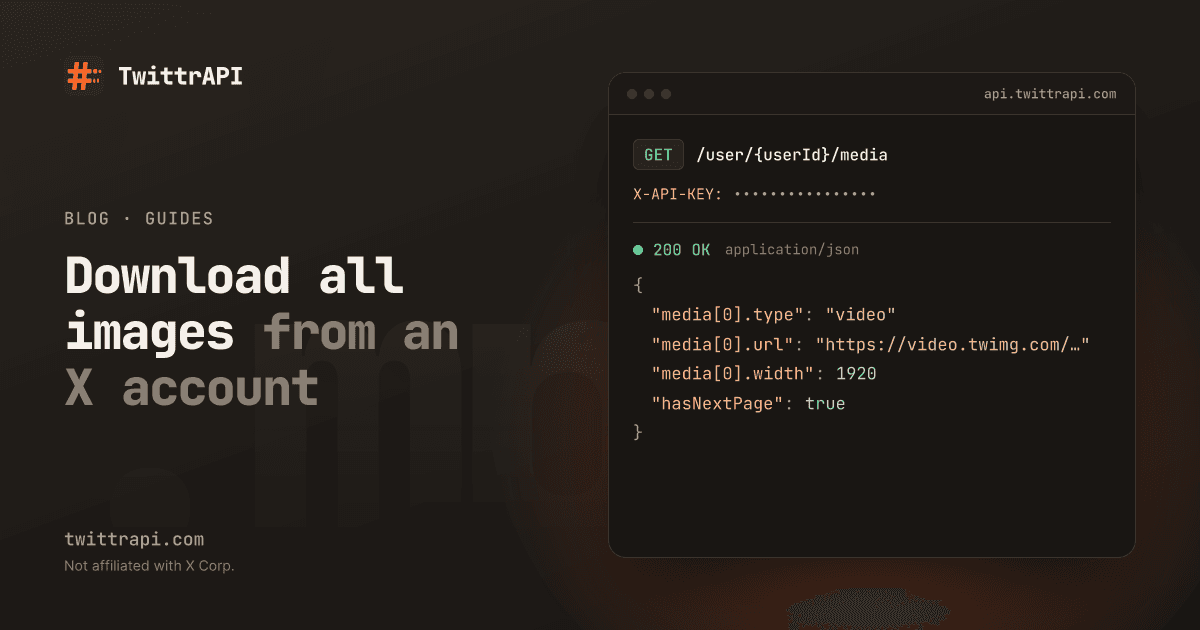
GET /user/{userId}/media is the Media tab of a profile as an endpoint. To pass a handle instead of an ID, use -1 as the ID and set username:
import os
import time

import requests

API = "https://api.twittrapi.com"
HEADERS = {"X-API-KEY": os.environ["TWITTRAPI_API_KEY"]}


def media_posts(username, max_pages=500):
    cursor = None
    for _ in range(max_pages):
        params = {"username": username, "count": 20, "format": "simple"}
        if cursor:
            params["cursor"] = cursor
        r = requests.get(f"{API}/user/-1/media", headers=HEADERS, params=params, timeout=60)
        r.raise_for_status()
        page = r.json()
        yield from page["data"]
        if not page["hasNextPage"]:
            return
        cursor = page["nextCursor"]
time.sleep(0.2)In the simple format, each post has a media list, and every item looks like this. This is real output for a NASA video from November 2026:
{
  "type": "video",
  "url": "https://video.twimg.com/amplify_video/2117335544795418624/vid/avc1/1920x1080/F9feQkEaWMDSkpUx.mp4?tag=16",
  "previewUrl": "https://pbs.twimg.com/media/HWJJnVgWIAA48Yo.jpg",
  "width": 1920,
  "height": 1080,
  "altText": null,
  "durationMs": 214881
}type is photo, video or gif. For videos and GIFs, url is already the MP4 with the highest bitrate, so there's no picking through variants. X converts GIFs to MP4, so that's what you'll get for those as well.
Step 2: Download the files
Photos have one extra step. The URL gives you a resized version by default. Adding ?name=orig asks X for the original.
from pathlib import Path
from urllib.parse import urlparse

OUT = Path("media")


def best_url(item):
    if item["type"] == "photo":
        return f"{item['url']}?name=orig"
    return item["url"]


def file_name(tweet, index, item):
    ext = Path(urlparse(item["url"]).path).suffix or ".bin"
    return f"{tweet['id']}_{index}{ext}"


def download(url, path):
    tmp = path.with_suffix(path.suffix + ".part")
    with requests.get(url, stream=True, timeout=120) as r:
        r.raise_for_status()
        with tmp.open("wb") as f:
            for chunk in r.iter_content(chunk_size=1 << 16):
                f.write(chunk)
tmp.rename(path)Don't send your API key on these requests. They go to X's media servers, which don't need it.
Writing to .part first and renaming at the end means an interrupted download never looks finished. That's what makes the resume in the next step safe.
Step 3: Put it together with a manifest
Files named by post ID are hard to browse later, so write a CSV alongside them that records who posted what, when and with what caption.
import csv


def run(username):
    folder = OUT / username
    folder.mkdir(parents=True, exist_ok=True)
    manifest = folder / "manifest.csv"
    new = not manifest.exists()

    with manifest.open("a", newline="") as f:
        w = csv.writer(f)
        if new:
            w.writerow(["file", "type", "tweet_id", "created_at", "url", "alt_text", "text"])

        for tweet in media_posts(username):
            for i, item in enumerate(tweet["media"]):
                name = file_name(tweet, i, item)
                path = folder / name
                if path.exists():
                    continue
                try:
                    download(best_url(item), path)
                except requests.RequestException as err:
                    print("skipped", name, err)
                    continue
                w.writerow([
                    name, item["type"], tweet["id"], tweet["createdAt"], tweet["url"],
                    item["altText"] or "", tweet["text"].replace("\n", " "),
                ])
                f.flush()
                print("saved", name)


run("NASA")Stop it and run it again whenever you like. Existing files are skipped. The listing starts from the newest post again, which costs a few extra calls, but the downloads aren't repeated. To make long runs cheaper, save nextCursor to a file after each page and start from it, as shown in the follower export guide.
Only photos, only videos, or only a date range
The Media tab endpoint has no date filter. Use search when you need one, with from: and a media filter:
def media_by_search(query, max_pages=100):
    cursor = None
    for _ in range(max_pages):
        params = {"searchItem": query, "category": "Latest", "format": "simple"}
        if cursor:
            params["cursor"] = cursor
        r = requests.get(f"{API}/search", headers=HEADERS, params=params, timeout=60)
        r.raise_for_status()
        page = r.json()
        for tweet in page["data"]:
            if tweet["media"]:
                yield tweet
        if not page["hasNextPage"]:
            return
        cursor = page["nextCursor"]


posts = media_by_search("from:NASA filter:native_video since:2026-10-01 -filter:nativeretweets")Use filter:images for photos and filter:native_video for videos, or filter:media for both. Search works across accounts too: "solar eclipse" filter:images min_faves:100 gets you photos about one topic, whoever posted them. The operator guide has the rest, including why until: needs care.
Keep -filter:nativeretweets if you only want what the account posted itself. Reposts carry the media of the original on retweetOf, so the top-level media list on a repost can be empty, as we saw in our tests. That's one more reason the if tweet["media"] check is there.
How much you'll actually get
Check the total against the profile. author.counts.media on any post gives you X's own number, 28,223 for NASA when we ran this.
| What you see | Why |
|---|---|
Fewer files than counts.media | Deleted posts, or X stopping the list before the end on large accounts |
| A page with few posts | count is a hint to X. Asking for 5 gave us 2 posts on one page |
| A list that ends early | The Media tab may not go all the way back. Search by date ranges to reach further |
| Nothing at all | The account is protected or suspended. Protected media isn't public |
For very large accounts, split the job by month using since: and until: with search. Each window gets its own results, which can reach further back than one long list.
What it costs
One call per page, at $0.0001 on the Standard tier. Downloading the files isn't billed by us: you only pay for the bandwidth you use on your own side.
| Posts with media | Calls (about 20 per page) | Cost |
|---|---|---|
| 1,000 | about 50 | $0.005 |
| 25,000 | about 1,250 | $0.13 |
Page sizes vary, so treat these as ballpark numbers. Budget more for disk: a few thousand HD videos can easily fill hundreds of gigabytes. Filter by durationMs or type first if that's an issue.
Be polite to the media servers too. One download at a time, as above, is a sensible default. If you get HTTP errors from X's media hosts, slow down.
Copyright and personal images
Photos and videos on X belong to whoever made them. Downloading for a personal archive, research or your own account is one thing. Republishing someone else's work, feeding it to a product, or building a collection of a private person's photos is another, and may break copyright or privacy law regardless of how easy it was to fetch. Our acceptable use policy applies.
Your own archive has another route: X's "Download an archive of your data" setting, which also includes things no API returns.
Frequently asked questions
How do I download all pictures from a Twitter account?
Page through the account's Media tab with an API such as GET /user/{userId}/media, collect the URL of each photo, add ?name=orig for the original size and save the files. The script above also resumes after a crash and writes a manifest.
How do I get the highest quality video from a tweet?
In the simple format, url on a video is already the MP4 with the highest bitrate. In X's raw JSON, you pick the entry with the highest bitrate from video_info.variants.
Can I download media from a private Twitter account?
No. Protected accounts' posts aren't public, and our read endpoints return only public data.
Does downloading Twitter media notify the account owner?
No. Fetching public posts and files sends no notification and doesn't involve your X account.
Is it legal to download images from X?
Fetching public files is usually not the issue. What you do afterwards is: republishing or commercial use can infringe copyright. Check the law where you are, and ask the creator when in doubt. This isn't legal advice.
Sources
- User media reference: parameters and response
- Simple format, Media: field definitions
- Search reference: media filters
- Example output and counts: our live calls on 3 November 2026
TwittrAPI is not affiliated with X Corp. It reads only public data.