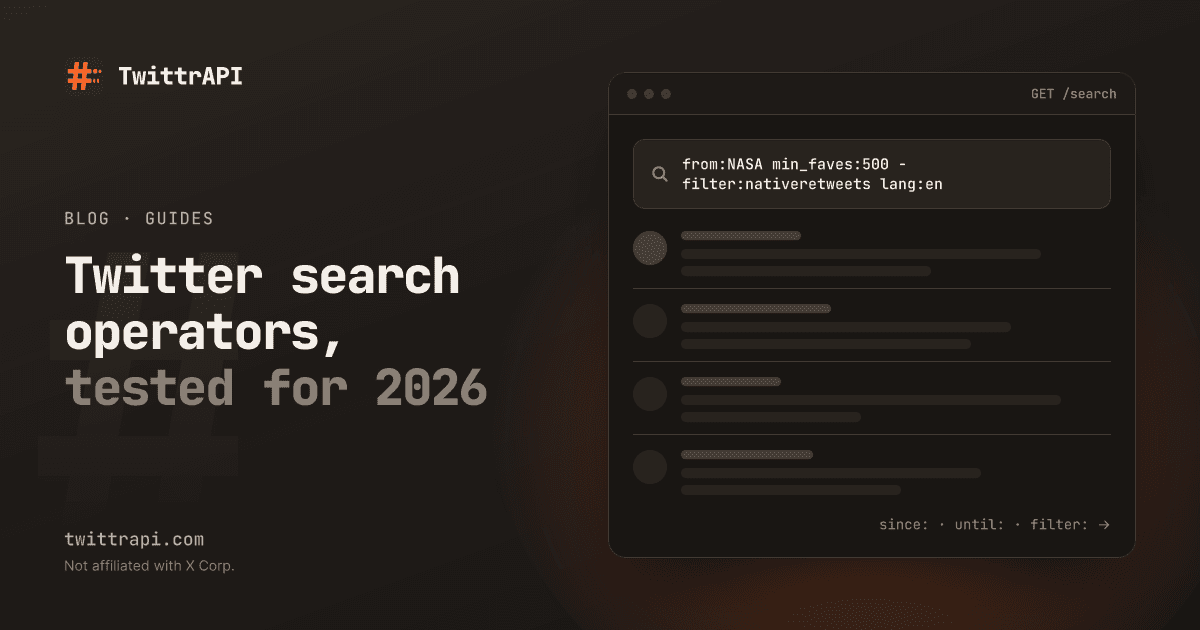
X's advanced search form at x.com/search-advanced only has fields for a few of the things search can do. The rest works only if you type the operator yourself, in the search box or in an API query. Here is the list of Twitter advanced search operators our API accepts, grouped by what you are trying to do.
We run TwittrAPI, a read API for public X data. We tested the operators you will use most against live search on 3 November 2026, and the rest come from the accepted list in our docs. You can type them into the X search box too, without a developer account.
The Twitter advanced search operators you will use most
If you learn ten, learn these.
| Operator | Example | What it finds |
|---|---|---|
"..." | "rate limit" | The exact phrase |
OR | python OR rust | Either word |
- | python -hiring | Excludes a word or operator |
from: | from:NASA | Posts by an account, including its reposts |
to: | to:NASA | Replies to an account |
@ | @NASA | Mentions of an account |
since: | since:2026-10-01 | Posts from that date on |
until: | until:2026-10-31 | Posts up to that date (read the quirk below) |
min_faves: | min_faves:500 | At least 500 likes |
lang: | lang:de | Language as detected by X |
OR has to be in capitals. Spaces mean AND, and you can group with parentheses: (python OR rust) "rate limit" -hiring.
Search by date: the until: quirk
Plenty of guides say until: is exclusive. In our tests a date-only value included that day.
We searched from:NASA with three different end points, category Latest:
| Query ends with | Newest post returned |
|---|---|
until:2026-10-02 | 2 Oct 2026, 20:55 UTC |
until:2026-10-03 | 3 Oct 2026, 21:49 UTC |
until:2026-10-02_00:00:00_UTC | 1 Oct 2026, 21:36 UTC |
since:2026-10-02 until:2026-10-02 also returned posts from 2 October, so a same-day range is valid. We only tested one account on a few dates, so treat the date-only form as loose. When the boundary matters, write the exact time.
There are four precise forms:
| Operator | Example | Note |
|---|---|---|
since: / until: | until:2026-10-02_00:00:00_UTC | Date and time in UTC |
since_time: / until_time: | since_time:1790000000 | Unix seconds |
within_time: | within_time:7d | Rolling window: 2d, 3h, 5m, 30s |
since_id: / max_id: | since_id:2106125857152462995 | Newer than, or up to, a post ID |
Post IDs contain their creation time, so the tweet ID to date tool can turn any date into an ID for you. since_id: is what you want for polling: store the newest ID you saw and ask only for newer ones.
Filter by engagement
| Operator | Example | What it finds |
|---|---|---|
min_faves: | min_faves:100 | At least 100 likes |
min_retweets: | min_retweets:50 | At least 50 reposts |
min_replies: | min_replies:20 | At least 20 replies |
-min_faves: | -min_faves:10 | Fewer than 10 likes |
filter:has_engagement | kubernetes filter:has_engagement | Posts with any engagement |
The negative form is useful for the opposite of viral: -min_faves:5 "how do i" finds small questions that nobody has answered yet.
Filter by post type
filter: narrows a search and -filter: excludes. These are the ones that pull their weight:
| Operator | What it matches |
|---|---|
filter:replies | Replies only. -filter:replies removes them. |
filter:nativeretweets | Reposts. -filter:nativeretweets removes them. |
filter:quote | Quote posts |
filter:self_threads | Posts in a thread the author replied to themselves |
filter:media | Any photo or video |
filter:images | Photos |
filter:native_video | Videos uploaded to X |
filter:links | Posts with a link |
filter:mentions | Posts that mention someone |
filter:hashtags | Posts with a hashtag |
filter:news | Posts linking to news |
filter:verified | Accounts with legacy or organization verification |
filter:blue_verified | Accounts with a blue check |
filter:safe | Excludes what X marks as sensitive |
One thing that catches people out: from:NASA returns reposts too. In our test the first results for NASA were posts starting RT @..., and adding -filter:nativeretweets removed them. If you are counting what an account wrote, add that filter.
Search by link, list and conversation
These are the operators most guides skip, and they are the most useful ones if you build things.
| Operator | Example | What it finds |
|---|---|---|
url: | url:github.com | Posts linking to a domain or path |
list: | list:1234567890 | Posts by members of an X list |
conversation_id: | conversation_id:2106125857152462995 | Every post in a thread |
quoted_tweet_id: | quoted_tweet_id:2106125857152462995 | Quotes of one post |
quoted_user_id: | quoted_user_id:11348282 | Quotes of an account's posts |
source: | source:Twitter_Web_App | Posts by client app, where X still tracks it |
card_domain: | card_domain:youtube.com | Posts with a link preview from a domain |
url: is the cleanest way to see who shares your site, because it matches the expanded link and not the t.co short link.
Location operators
near:, within:, geocode: (37.77,-122.41,10km), place:, place_country:, point_radius: and bounding_box: are all accepted. They also disappoint. Most posts carry no location at all, so these return a small and skewed slice of X. For a country-level view, lang: often gets you further. To see where an account says it is based, read the About this account data instead.
Ready-made queries
Copy these and swap the words.
| Goal | Query |
|---|---|
| Your own best posts this year | from:you since:2026-01-01 min_faves:50 -filter:replies |
| Mentions without job ads or reposts | yourbrand -hiring -filter:nativeretweets lang:en |
| People sharing your site | url:yourdomain.com -from:you |
| Complaints about a competitor | (competitor OR @competitor) (broken OR refund OR "switching from") |
| Threads worth reading on a topic | kubernetes filter:self_threads min_faves:100 |
| Fresh video on a topic | "solar eclipse" filter:native_video within_time:1d |
| Requests for recommendations | "can anyone recommend" (crm OR "email tool") -filter:links lang:en |
| Unanswered questions | "how do i" python -min_faves:3 -filter:links -filter:replies |
The recommendation query is the base of finding leads on X. When we ran it, the top results were a mix of real questions and marketing posts that quote the phrase, so expect to filter further.
Use the same operators from code
The query text goes into GET /search as it is:
curl -G 'https://api.twittrapi.com/search' \
  --data-urlencode 'searchItem=from:NASA within_time:7d filter:media -filter:replies min_faves:500' \
  --data-urlencode 'category=Latest' \
  --data-urlencode 'format=simple' \
--header "X-API-KEY: $TWITTRAPI_API_KEY"category picks the tab: Top, Latest, People, Photos or Videos. Use Latest when you want everything in date order. Top is X's ranked selection and skips a lot.
If you would rather not build query strings, send a filters object and we append the operators:
import json
import os

import requests

params = {
    "searchItem": "kubernetes",
    "category": "Latest",
    "format": "simple",
    "filters": json.dumps({
        "lang": "en",
        "minimumLikesCount": 20,
        "removeReplies": True,
        "noneOfTheseWords": ["hiring", "job"],
        "withinTime": "2d",
    }),
}
r = requests.get(
    "https://api.twittrapi.com/search",
    headers={"X-API-KEY": os.environ["TWITTRAPI_API_KEY"]},
    params=params,
    timeout=30,
)
r.raise_for_status()
for tweet in r.json()["data"]:
print(tweet["createdAt"], tweet["author"]["username"], tweet["text"][:80])Each page is one billed call, $0.10 per 1,000 calls on the Standard tier, whatever the query looks like. For paging and polling, see searching X without a developer account.
When a query returns nothing or fails
Unknown operators. Any word: outside double quotes that is not on the accepted list returns HTTP 422 from our API, so a query you copied from the search box can fail in code. Put text with a colon in quotes.
Too long. The query and filters together can be 512 characters at most. Square brackets, an unclosed quote or unbalanced parentheses also return 422.
Accepted is not the same as useful. Our list says the query will be sent to X. It does not promise that X has matching posts, and geo operators in particular often come back empty.
Empty results. Protected accounts are not in search, and X hides some low-quality posts and accounts from it. If one account's posts seem to be missing, the shadowban test shows how to check that.
Frequently asked questions
How do I search a specific user's tweets on X?
Type from:username plus your words in the search box, for example from:NASA moon. Add -filter:replies to skip replies and -filter:nativeretweets to skip reposts.
How do I search tweets by date?
Use since:2026-10-01 until:2026-10-31. In our tests a date-only until: included that day, so for an exact cut use the time form, until:2026-10-02_00:00:00_UTC.
What does min_faves mean?
It is the minimum number of likes. min_faves:100 returns posts with at least 100 likes. min_retweets: and min_replies: work the same way, and -min_faves:10 returns posts with fewer than 10.
Do search operators still work on the X mobile app?
You can type operators into the search bar of the app. The advanced search form itself is a web page, at x.com/search-advanced.
Can I use these operators with the official X API?
The official search endpoints have their own operator list and it differs from the search box, so check X's docs for your endpoint. The operators on this page are the ones our GET /search accepts.
Sources
- Search reference: accepted operators, filter keys, errors
- X advanced search form
until:andfrom:behavior: our live tests on 3 November 2026
TwittrAPI is not affiliated with X Corp. It reads only public data.