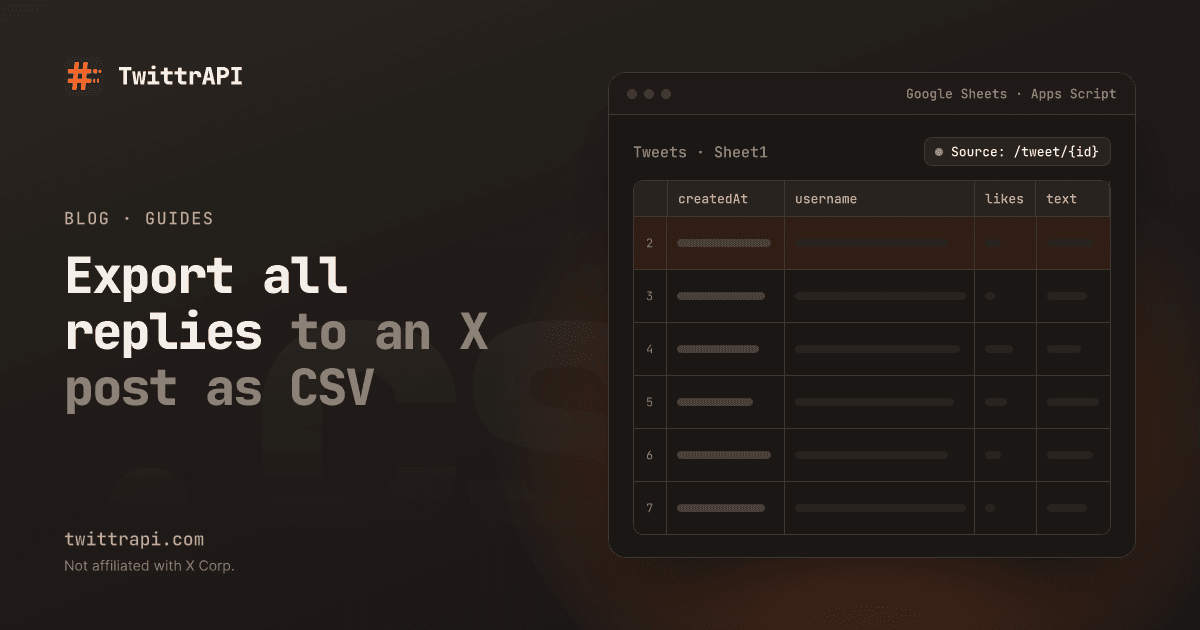
The X app shows replies one screen at a time, and there is no export button. If you want every comment on a post for a giveaway, a customer-feedback round, a sentiment check or a research sample, you have to collect them yourself. This guide does that in Python: it loads the replies page by page, writes them to a CSV, and shows how to keep only direct answers or sort by likes.
We run TwittrAPI, which the code uses. It needs an API key from us and no X login.
What you get for each reply
Every reply is a full post in the same format as any other tweet: text, time, author with follower count, like, repost and reply counts, and replyTo, which says which post it answers. That last field is what separates direct answers from replies inside a sub-thread.
Step 1: Get an API key
Create a key on /start. New accounts get $0.50 of test credit for 7 days. Keep it in an environment variable:
export TWITTRAPI_API_KEY="your-key"Step 2: Find the post ID
The ID is the number at the end of the post's URL: x.com/jack/status/20 has the ID 20. GET /tweet/{tweetId} returns the post first and its replies after it:
curl 'https://api.twittrapi.com/tweet/20?format=simple' -H "X-API-KEY: $TWITTRAPI_API_KEY"On the first page the first item in data is the post itself. The rest are replies, each with replyTo and the same conversationId as the post.
Step 3: Load every page
X sends about 20 to 35 reply threads per page and the page size is fixed. The response has a nextCursor; pass it back as cursor until hasNextPage is false. rankingMode sets the order and takes Relevance (the default), Recency or Likes:
import csv
import os
import time

import requests

API = "https://api.twittrapi.com"
HEADERS = {"X-API-KEY": os.environ["TWITTRAPI_API_KEY"]}
TWEET_ID = "20"


def replies(tweet_id: str, ranking: str = "Recency"):
    cursor = None
    while True:
        params = {"format": "simple", "rankingMode": ranking}
        if cursor:
            params["cursor"] = cursor
        r = requests.get(f"{API}/tweet/{tweet_id}", headers=HEADERS, params=params, timeout=30)
        r.raise_for_status()
        page = r.json()
        for t in page["data"]:
            if t["id"] != tweet_id and not t.get("unavailable"):
                yield t
        if not page.get("hasNextPage"):
            return
        cursor = page["nextCursor"]
time.sleep(0.5)The generator skips the post itself and any reply X marks as unavailable (deleted or hidden). It yields as pages arrive, so you can stop after the first 1,000 replies instead of loading a viral thread to the end.
Step 4: Write a CSV
with open("replies.csv", "w", newline="") as f:
    w = csv.writer(f)
    w.writerow(["id", "createdAt", "username", "followers", "likes", "replyToUser", "text", "url"])
    for t in replies(TWEET_ID):
        a = t["author"]
        w.writerow([
            t["id"], t["createdAt"], a["username"], a["counts"]["followers"],
            t["counts"]["likes"], (t["replyTo"] or {}).get("username", ""),
            t["text"].replace("\n", " "), t["url"],
])The file opens in Excel or Google Sheets. To push the rows into a sheet on a schedule instead, see Tweets in Google Sheets with Apps Script.
Step 5: Keep only direct replies
A reply to the post has replyTo.tweetId equal to the post's ID. Replies to other replies have a different one:
direct = [t for t in replies(TWEET_ID) if t["replyTo"] and t["replyTo"]["tweetId"] == TWEET_ID]
print(len(direct), "direct replies")For a giveaway with "reply to enter", this is the list of entries. Count each author once with {t["author"]["id"] for t in direct}, and check the accounts before you draw a winner: new accounts with few followers and no posts are often bots.
Step 6: Most liked replies
Set rankingMode="Likes" and take the first page. It gives you the replies other people found worth a like without loading the whole thread:
top = list(replies(TWEET_ID, ranking="Likes"))[:20]
for t in sorted(top, key=lambda t: t["counts"]["likes"], reverse=True)[:5]:
print(t["counts"]["likes"], "@" + t["author"]["username"], t["text"][:80])Who reposted or quoted it
Replies are only one kind of response. Three more endpoints work the same way and page with the same cursor:
| What | Endpoint |
|---|---|
| People who reposted | GET /tweet/{tweetId}/retweets |
| Posts that quote it | GET /tweet/{tweetId}/quotes |
| People who liked it | GET /tweet/{tweetId}/favorites |
Quotes are often more useful than replies for seeing how people react, because the quoting account's followers see them too.
What it costs
A page is one call and holds roughly 20 to 35 reply threads. A post with 1,000 replies takes about 30 to 50 calls, which is a few cents at $0.10 per 1,000 calls on Standard. A post with 100,000 replies costs in proportion; stop with break when you have enough. The generator above is lazy for exactly that reason.
Limits to know
- Not every reply is returned. X hides some low-ranked replies behind "Show more replies", and deleted posts are gone. In our test the number on the post (
counts.replies) was larger than what the pages return, so expect the CSV to be shorter than that count. - Order is X's.
Relevancemixes the order; useRecencyif you need a time sequence. - Replies to replies. They come in the same list. Use
replyToas in step 5 to tell them apart or to rebuild the tree.
Frequently asked questions
How do I export all comments on a tweet?
Load the post with the tweet endpoint, follow the cursor until there are no more pages and write each reply to a CSV. The script above does that. X has no export function of its own.
Can I get replies without the official API?
Yes. A third-party API such as TwittrAPI has its own key and needs no X developer account.
How many replies can I get?
As many as X returns for the post. X hides some low-ranked replies, so the total can be below the reply count shown on the post.
How do I pick a random winner from the replies?
Collect the direct replies, remove duplicates by author ID and exclude your own account. Then draw with random.choice on the list of unique authors. Check the winner's account before you announce them.
Can I see who liked or reposted a post?
Yes. The favorites and retweets endpoints list the accounts, and the quotes endpoint lists the posts that quote it.
How much does it cost?
One call per page. A post with 1,000 replies is roughly 30 to 50 calls, a few cents on TwittrAPI.
Sources
- Tweet with replies and Tweet replies: parameters,
rankingModeand paging - Quotes, Retweets and Favorites
- Simple format: the tweet and user fields
TwittrAPI is not affiliated with X Corp. It reads only public data.