To read tweets from Node.js without an X developer account, call TwittrAPI over HTTPS with the fetch built into Node 18, or install the twittrapi npm package. You need one API key from us; no X app, no bearer token and no X login.
This guide shows both ways in TypeScript: an account's latest tweets, a keyword search, following the cursor through all pages, and handling errors and rate limits. If you are moving from twitter-api-v2 because of X's pay-per-use pricing, the section at the end lists what changes. The Python version covers the same steps.
Step 1: Get an API key
Create a key on /start. New accounts get $0.50 of test credit for 7 days, about 5,000 calls. Keep the key in an environment variable:
export TWITTRAPI_API_KEY="your-key"Every request sends it in the X-API-KEY header. One request is one billed call; the pricing page has the rates, from $0.065 per 1,000 calls.
The examples are TypeScript files. Run them with npx tsx tweets.ts, or rename them to .mjs and drop the types.
Step 2: Fetch an account's latest tweets
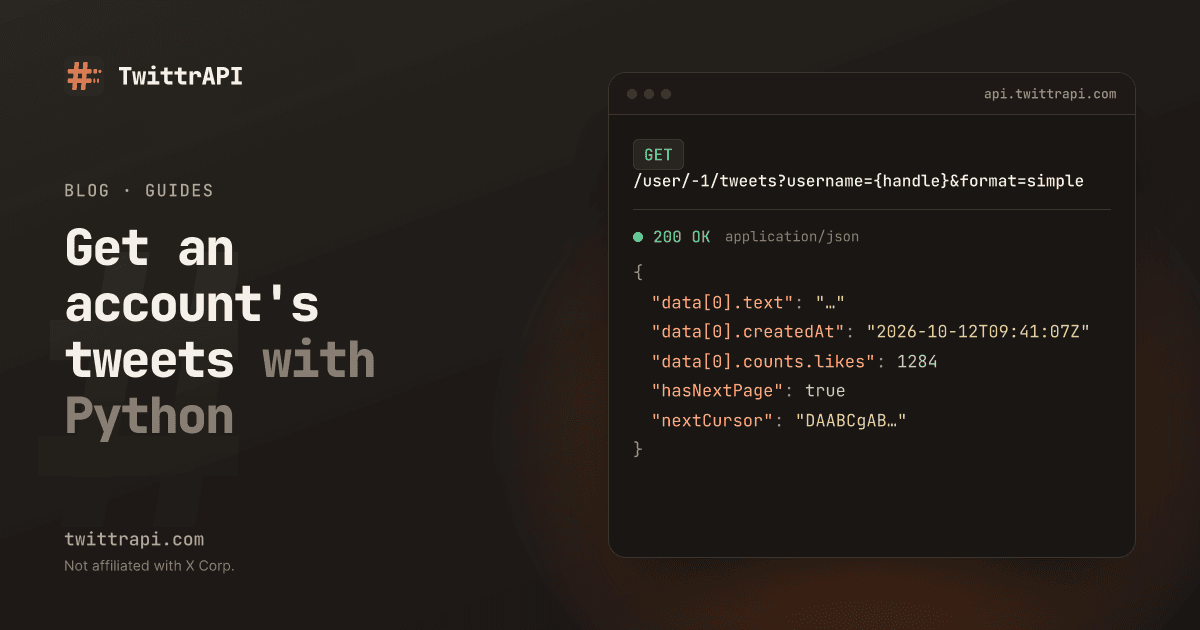
The endpoint is GET /user/{userId}/tweets. Pass -1 as the ID and the handle as username. With format=simple the response is flat JSON with a fixed set of fields (simple format), which is easy to type:
const API = "https://api.twittrapi.com";

interface Tweet {
  id: string;
  url: string;
  text: string;
  createdAt: string | null;
  lang: string | null;
  isPinned: boolean;
  counts: {
    likes: number;
    retweets: number;
    replies: number;
    quotes: number;
    bookmarks: number;
    views: number | null;
  };
}

// Deleted or withheld tweets come back as { id, unavailable: true }
type Item = Tweet | { id: string; unavailable: true };

interface Page {
  data: Item[];
  nextCursor: string | null;
  hasNextPage: boolean;
}

async function get(path: string, params: Record<string, string | number>): Promise<Page> {
  const url = new URL(path, API);
  for (const [k, v] of Object.entries({ ...params, format: "simple" })) {
    url.searchParams.set(k, String(v));
  }
  const res = await fetch(url, {
    headers: { "X-API-KEY": process.env.TWITTRAPI_API_KEY ?? "" },
    signal: AbortSignal.timeout(60_000),
  });
  if (!res.ok) throw new Error(`HTTP ${res.status}: ${await res.text()}`);
  return (await res.json()) as Page;
}

const isTweet = (t: Item): t is Tweet => !("unavailable" in t);

const page = await get("/user/-1/tweets", { username: "NASA", count: 20 });
for (const t of page.data.filter(isTweet)) {
  console.log(t.createdAt, t.counts.likes, t.text.slice(0, 100));
}
console.log("more pages:", page.hasNextPage);Tweets come newest first, without replies. Besides the fields typed above, each tweet has author, media, urls, hashtags, mentions, replyTo, quoted and retweetOf; the field table lists them all. Add only the ones you use to the interface.
count is a hint. X decides how many tweets a page really holds, so do not rely on getting exactly 20.
Step 3: Search tweets by keyword
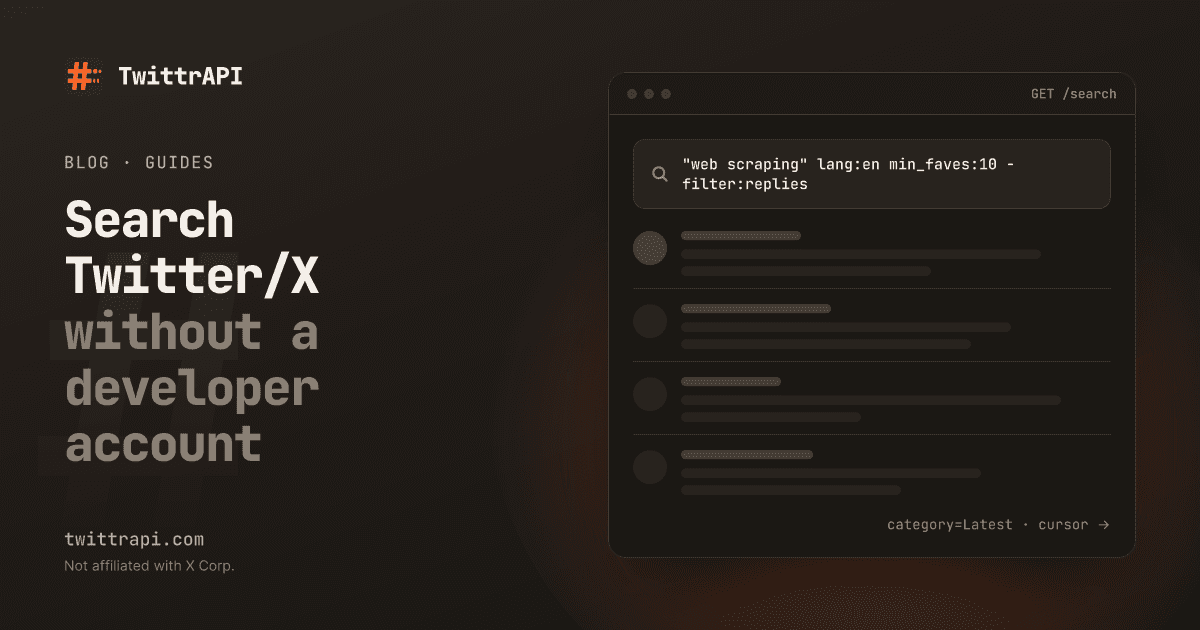
Search is GET /search. The query goes in searchItem and supports X's own operators, such as lang:, from:, "exact phrase", min_faves: and -filter:replies. category=Latest returns the newest tweets first; the default, Top, is what X ranks as popular.
const results = await get("/search", {
  searchItem: '"node.js" lang:en -filter:replies',
  category: "Latest",
  count: 20,
});

for (const t of results.data.filter(isTweet)) {
  console.log(t.url, t.text.slice(0, 80));
}The response has the same shape as the timeline, so the same types and the same loop work. Operators and date ranges are covered in search Twitter/X without a developer account.
Step 4: Follow the cursor to get all pages
Every page carries nextCursor. Send it back as cursor for the next page, and stop when hasNextPage is false. An async generator keeps the loop readable:
Paging through tweets with a cursor
Call 1
GET /user/-1/tweets
→ ~20 tweets
nextCursor: "A1"
Call 2
?cursor=A1
→ ~20 tweets
nextCursor: "B2"
Call n
?cursor=…
→ last tweets
hasNextPage: false
hasNextPage is false instead of counting.async function* allTweets(
path: string,
params: Record<string, string | number>,
maxPages = 50,
): AsyncGenerator<Tweet> {
let cursor: string | null = null;
for (let i = 0; i < maxPages; i++) {
const page = await get(path, cursor ? { ...params, cursor } : params);
yield* page.data.filter(isTweet);
if (!page.hasNextPage || !page.nextCursor) return;
cursor = page.nextCursor;
}
}
const tweets: Tweet[] = [];
for await (const t of allTweets("/user/-1/tweets", { username: "NASA", count: 100 })) {
tweets.push(t);
}
console.log(tweets.length, "tweets");maxPages is a safety limit: every page is a billed call. The same generator pages through search results: allTweets("/search", { searchItem: "node.js", category: "Latest" }).
How far back a profile goes is up to X: timelines end after a few thousand tweets. For older tweets, search with from:NASA until:2020-01-01 and walk back by date. More on cursors in the pagination docs.
Step 5: Handle errors and rate limits
Errors come back as JSON with an error string, for example { "error": "Invalid tweet ID" }. Use the status code, not the message text. Rate limits are per key in requests per second; going over returns 429, which is not charged. There is no Retry-After header, so back off on the client side.
Replace get from Step 2 with this version. It retries what is worth retrying and throws an error with the status for everything else:
class ApiError extends Error {
  status: number;
  constructor(status: number, message: string) {
    super(message);
    this.status = status;
  }
}

const RETRY = new Set([408, 409, 429, 500, 502, 503, 504]);

async function get(
  path: string,
  params: Record<string, string | number>,
  tries = 4,
): Promise<Page> {
  const url = new URL(path, API);
  for (const [k, v] of Object.entries({ ...params, format: "simple" })) {
    url.searchParams.set(k, String(v));
  }
  for (let attempt = 1; ; attempt++) {
    const res = await fetch(url, {
      headers: { "X-API-KEY": process.env.TWITTRAPI_API_KEY ?? "" },
      signal: AbortSignal.timeout(60_000),
    });
    if (res.ok) return (await res.json()) as Page;

    const body = (await res.json().catch(() => ({}))) as { error?: string };
    if (!RETRY.has(res.status) || attempt >= tries) {
      throw new ApiError(res.status, body.error ?? res.statusText);
    }
    await new Promise((r) => setTimeout(r, 500 * 2 ** (attempt - 1))); // 0.5 s, 1 s, 2 s
  }
}| Status | Meaning | What to do |
|---|---|---|
| 401 | Missing or wrong key (not charged) | Check the X-API-KEY header |
| 402 | Balance used up or trial expired (not charged) | Top up in the dashboard |
| 404 | X says the account does not exist (charged) | Check the handle |
| 422 | Invalid value, such as a bad username or unsupported search operator (charged) | Fix the input |
| 429 | Over your requests per second (not charged) | Wait and retry |
| 5xx | Failure on our side or at X (refunded) | Retry with backoff |
For steady volume, limit how many requests run in parallel instead of reacting to 429s. The full lists are in error handling and rate limits.
Step 6: Use the Node SDK instead
The twittrapi npm package wraps the same calls with types for the simple format. It has no runtime dependencies, works with ESM and CommonJS, reads the key from TWITTRAPI_API_KEY, and retries 429, 5xx, timeouts and network errors with backoff (2 retries by default).
npm install twittrapiLatest tweets and a keyword search:
import { TwittrAPI, isUnavailableTweet, type SimpleTimelineTweet } from "twittrapi";

const client = new TwittrAPI({ format: "simple" });

const page = await client.users.tweets({ username: "NASA", count: 20 });
for (const t of page.data) {
  if (isUnavailableTweet(t)) continue;
  console.log(t.createdAt, t.counts.likes, t.text.slice(0, 100));
}

const results = await client.search.tweets({
  query: '"node.js" lang:en -filter:replies',
  category: "Latest",
});
for (const t of results.data as SimpleTimelineTweet[]) {
  if (!isUnavailableTweet(t)) console.log(t.url);
}Search is typed as tweets or users because category: "People" returns accounts, hence the cast.
client.paginate follows the cursor for you and yields one page at a time. maxPages defaults to 10; pass Infinity to run until the cursor ends:
const tweets = [];
for await (const page of client.paginate(
  client.users.tweets,
  { username: "NASA", count: 100 },
  { maxPages: 50 },
)) {
  for (const t of page.data.data) {
    if (!isUnavailableTweet(t)) tweets.push(t);
  }
}
console.log(tweets.length, "tweets");Errors are typed classes that extend TwittrAPIError, with status and detail:
import { InsufficientBalanceError, NotFoundError, RateLimitError, TwittrAPIError } from "twittrapi";

try {
  await client.users.tweets({ username: "NASA" });
} catch (err) {
  if (err instanceof NotFoundError) console.log("No such account");
  else if (err instanceof RateLimitError) console.log("Still over the limit after retries");
  else if (err instanceof InsufficientBalanceError) console.log("Top up your balance");
  else if (err instanceof TwittrAPIError) console.log(err.status, err.detail);
  else throw err;
}Raise maxRetries in the constructor (new TwittrAPI({ format: "simple", maxRetries: 4 })) for long batch jobs. For replies too, use client.users.tweetsAndReplies; for photos and videos only, client.users.media.
Coming from twitter-api-v2 or Tweepy
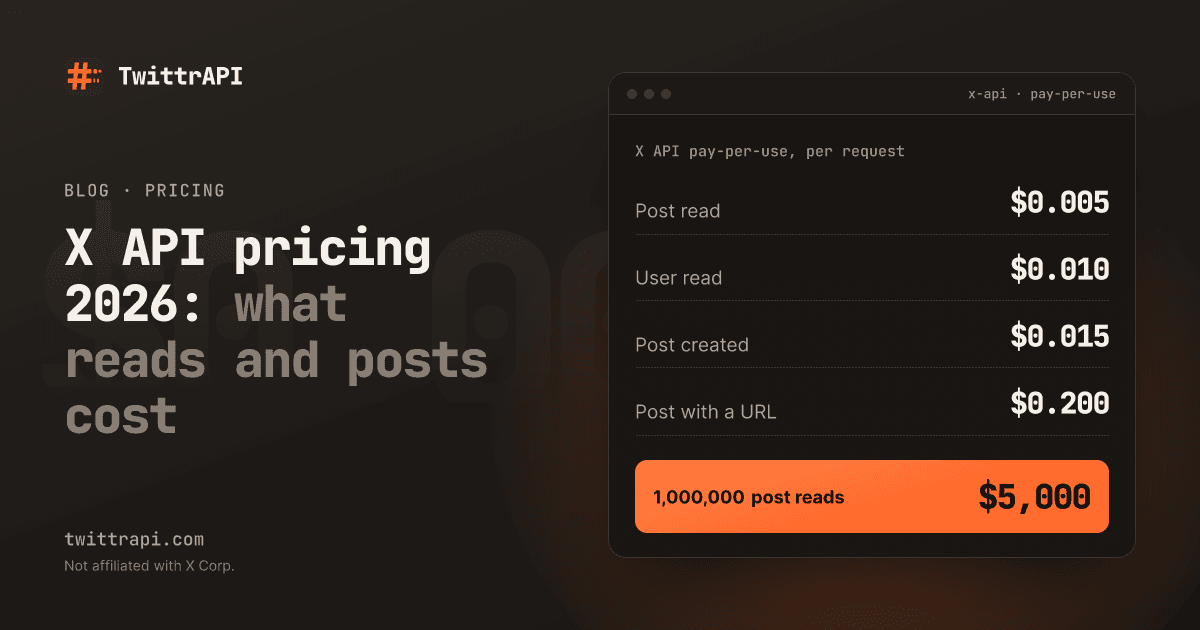
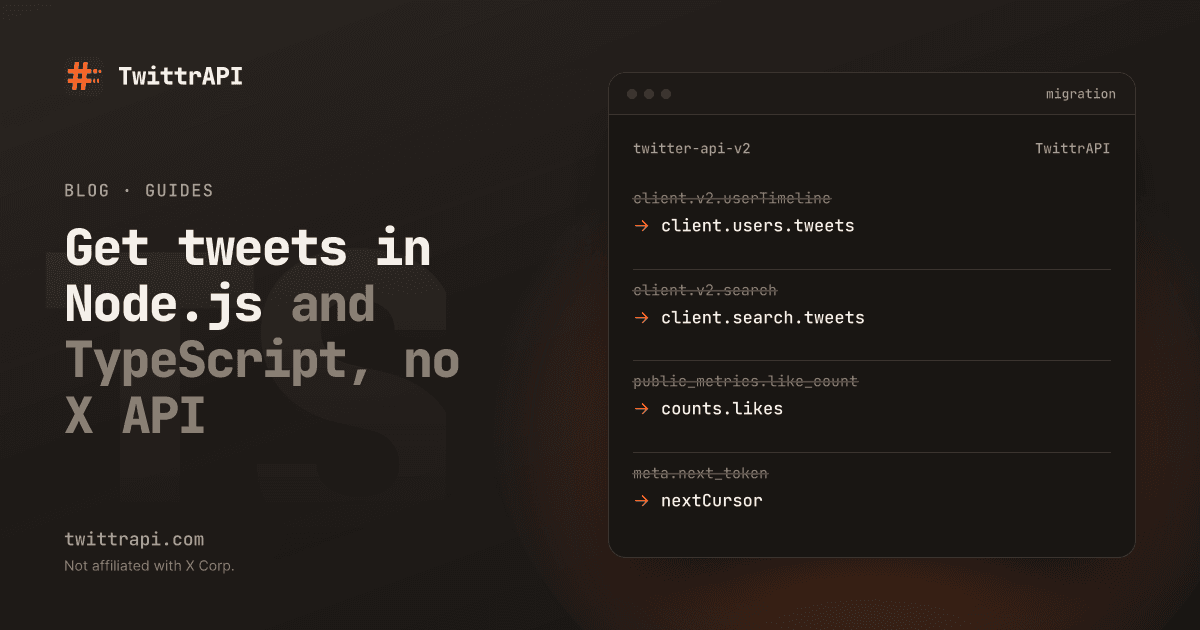
twitter-api-v2 (npm) and Tweepy (Python) are clients for the official X API. They still work, but the X API now needs a developer account at console.x.com, an app and prepaid credits, and X bills reads per post returned (X API pricing 2026). Moving to TwittrAPI changes the client, not the shape of your code:
| twitter-api-v2 | twittrapi |
|---|---|
new TwitterApi(bearerToken) | new TwittrAPI({ format: "simple" }), key from TWITTRAPI_API_KEY |
client.v2.userByUsername("NASA") | client.users.getByUsername("NASA") |
client.v2.userTimeline(userId) | client.users.tweets({ userId }) or { username } |
client.v2.search(query) | client.search.tweets({ query, category: "Latest" }) |
tweet.created_at | tweet.createdAt |
tweet.public_metrics.like_count | tweet.counts.likes |
meta.next_token | nextCursor, sent back as cursor |
tweet.fields, expansions | Not needed: every field is always present |
Pricing is per call, not per tweet: a timeline or search call returns about 20 tweets for one call's price. If you used Tweepy, the Python guide has the same mapping in Python with the twittrapi package.
Frequently asked questions
How do I get tweets in Node.js without the X API?
Use a third-party API such as TwittrAPI. Node 18 and later have fetch built in, so one GET request with an X-API-KEY header returns an account's public tweets as JSON. You do not need an X developer account, app or bearer token.
Is there a TypeScript SDK for TwittrAPI?
Yes. The twittrapi package on npm is the official Node.js and TypeScript SDK. It ships type declarations for the simple format, supports ESM and CommonJS, and has no runtime dependencies.
Does twitter-api-v2 still work in 2026?
The library works, but it calls the official X API, which needs a developer account and prepaid credits billed per post read. To keep similar code without that setup, switch the client to TwittrAPI and map the methods as shown above.
How much does it cost to fetch 1,000 tweets?
Timeline and search calls return about 20 tweets each, so 1,000 tweets cost roughly $0.00325 to $0.005, depending on your tier. Asking for count=100 can bring more tweets per call, but X decides the real page size.
Can I get tweets from private accounts?
No. The API reads only what a logged-out visitor could see. Protected accounts return no tweets.
Sources
- User tweets reference, search reference and simple format (TwittrAPI docs)
- twittrapi-node README, for the SDK methods, retries and error classes
- X API pricing (X docs), on per-post billing
TwittrAPI is not affiliated with X Corp. It reads only public data.