If you trade on tweets or alert on them, the question is not only how often you poll. X itself takes a moment before a new tweet shows up, and that delay depends on where you look. We measured it.
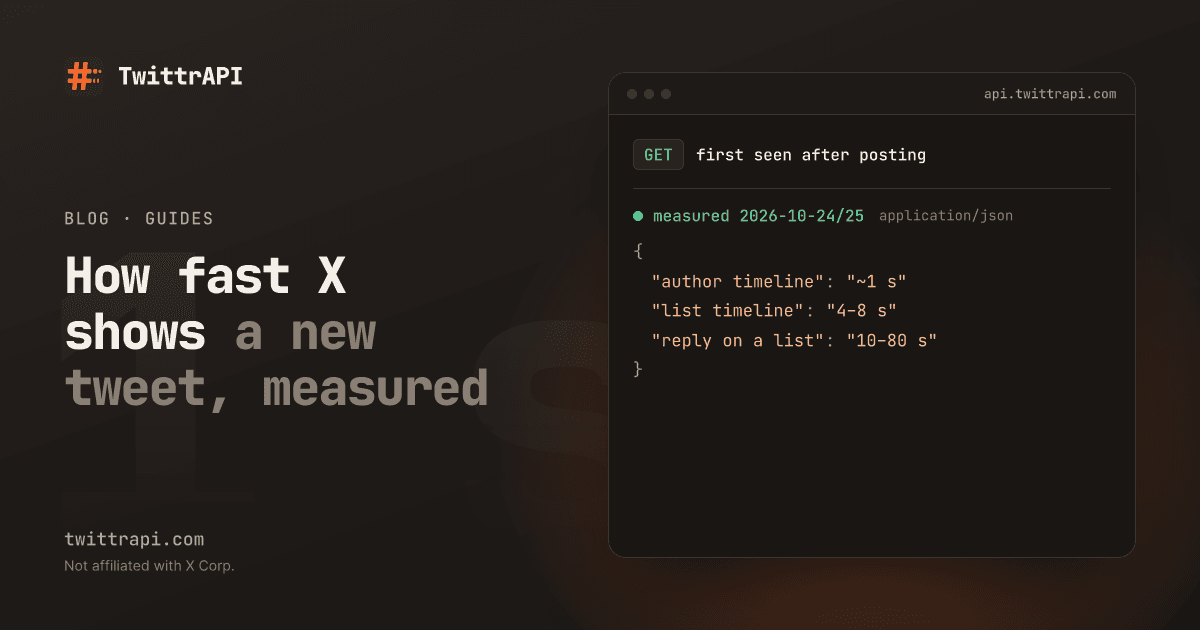
Short answer: a logged-in request for the author's own timeline sees a new tweet about 1 second after it is posted. A list timeline shows it after about 4 to 8 seconds. Replies to other people often reach list timelines only 10 to 80 seconds later. If you need tweets within seconds, read the author's timeline, or use a monitor that does it for you.
What we measured
On 2026-10-24 and 2026-10-25 we watched busy public accounts and recorded, for every new tweet, the first moment each source returned it. The posting time comes from the tweet ID: X's IDs contain the creation time to the millisecond, so no clock on X's side has to be trusted.
| Where you look | First seen after posting |
|---|---|
| The author's timeline (UserTweets), logged in | about 0.7 to 1.3 s |
| A list timeline with the author as a member | about 4 to 8 s |
| A list timeline, polled every 5 s (what a poller sees) | about 4 to 14 s, median about 8.5 s |
| A list timeline, replies to other accounts | often 10 to 80 s |
Two things stand out:
- The source sets the floor. Polling a list every second does not make it faster than about 4 seconds, because X has not put the tweet there yet.
- Replies are the slow case. Plain posts and quotes reach lists within seconds. Replies in someone else's thread can take more than a minute. In one case a reply reached the list 82 seconds after it was posted.
Measure it yourself
Every tweet ID carries its creation time. Shift the ID 22 bits to the right and add X's epoch, and you have milliseconds since 1970:
import time

TWITTER_EPOCH_MS = 1288834974657

def posted_at_ms(tweet_id: str) -> int:
    return (int(tweet_id) >> 22) + TWITTER_EPOCH_MS

def delay_seconds(tweet_id: str) -> float:
    return (time.time() * 1000 - posted_at_ms(tweet_id)) / 1000

print(round(delay_seconds("2115664319278973255"), 1))Call delay_seconds the moment your code first sees a tweet. That is your real end-to-end delay: X's own delay plus your poll interval plus your processing. The createdAt field has only second precision, so use the ID. The free tweet ID to date tool does the same in the browser.
What this means for your setup
One account, a few seconds are fine: poll the author's timeline every few seconds. With TwittrAPI that is one call per poll to /user/{userId}/tweets, billed at $0.10 per 1,000 calls.
Many accounts: polling every author's timeline every second gets expensive fast. 100 accounts once per second are 8.64 million calls a day.
Replies matter to you: read the author's timeline including replies, or you will see some of them a minute late.
The shortcut: account monitoring
This is what our monitor does. You add the accounts, and every new tweet arrives at your webhook as a signed POST, or through the pull API. Each account is checked as often as its class says, whatever its size:
| Class | Guarantee | Typical |
|---|---|---|
| Standard | We check at least every 60 s | 15–60 s |
| Fast | We check at least every 5 s | 2–5 s |
| Real-time | We check at least every 1 s | 0.5–1 s |
The class is the delivery time after X makes the post available. Every event carries tweetCreatedAt and detectedAt, so you can check our numbers with the snippet above instead of trusting them.
The webhook guide sets it up in Python in a few minutes. For trading alerts, see crypto Twitter alerts. Monitors have a monthly plan, and calls to /monitors/* are not billed per request.
FAQ
Why is the author's timeline faster than a list? We do not know X's internals. We only see the result: the author's timeline is served from fresh data, while list timelines are assembled a few seconds later. The numbers above are what X returned during our measurement. They can change when X changes its systems.
Is search faster? Search with the Latest tab was not part of this measurement, so we give no number for it.
Can I get a tweet before X shows it anywhere? No. Every method reads what X has made available. The question is only how soon after that you see it.
How do I measure the delay of a provider I already use?
Log the tweet ID and the time your code receives the tweet, then apply posted_at_ms. Look at the median and at the slowest 10 percent, not at the best case.